提示词示例 - 艺术形式
照片/Photo


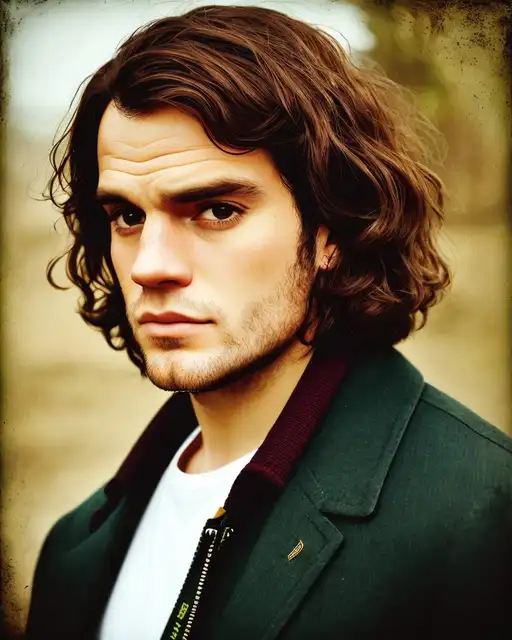
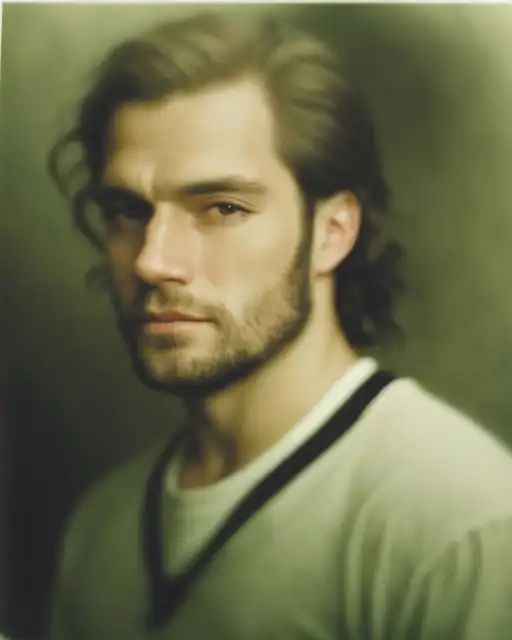
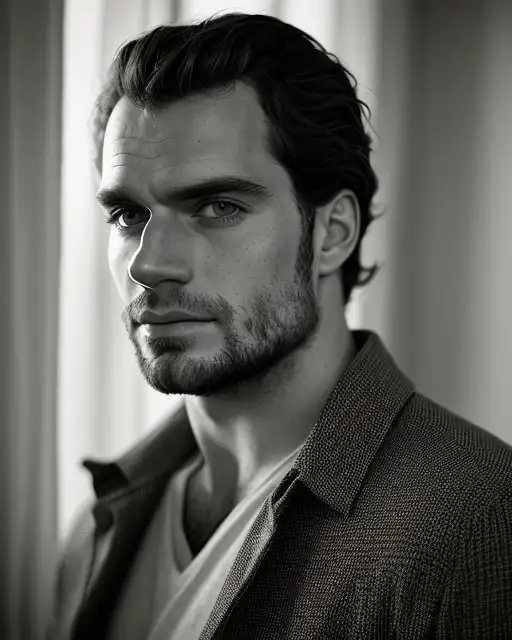
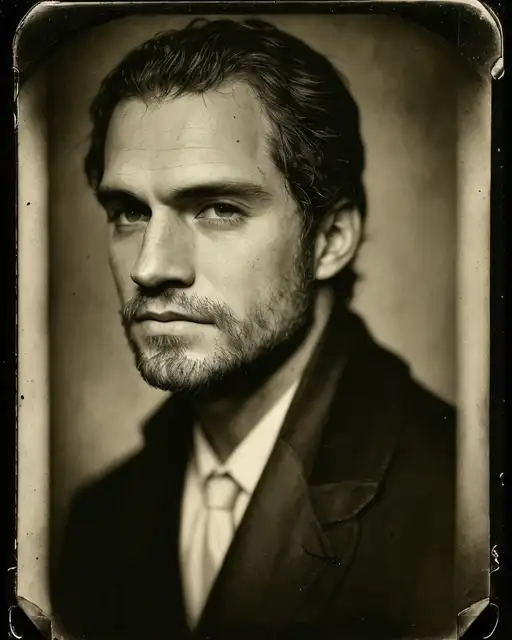
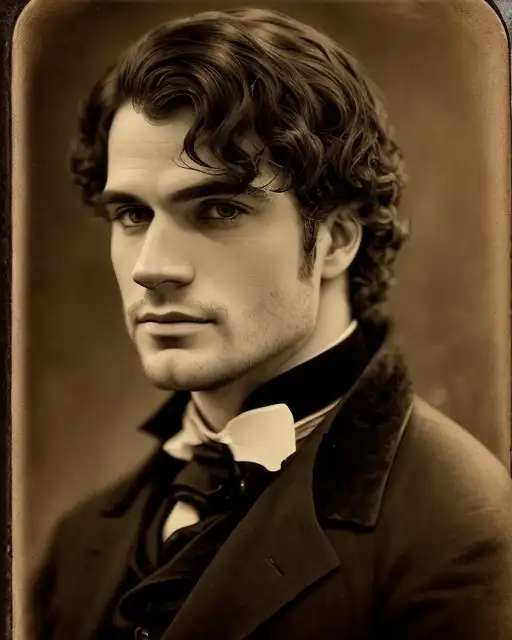
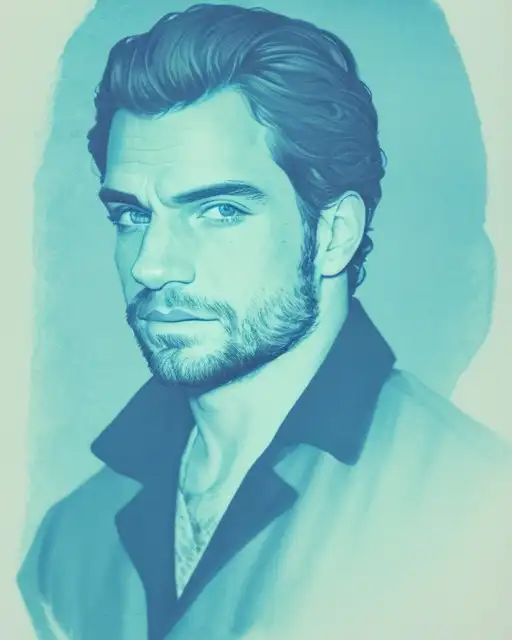
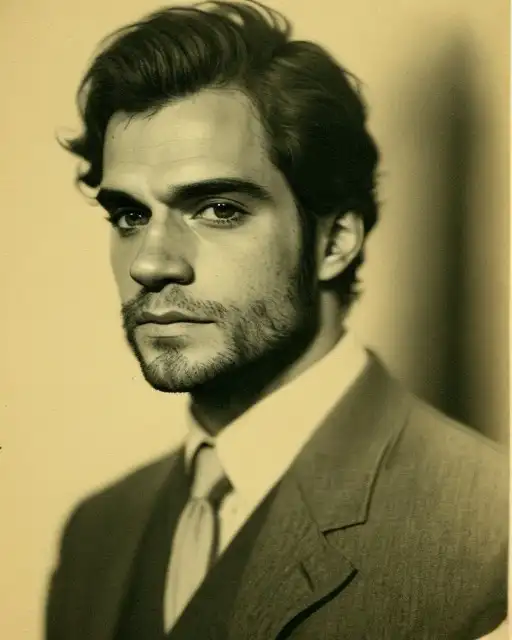
绘画、印刷
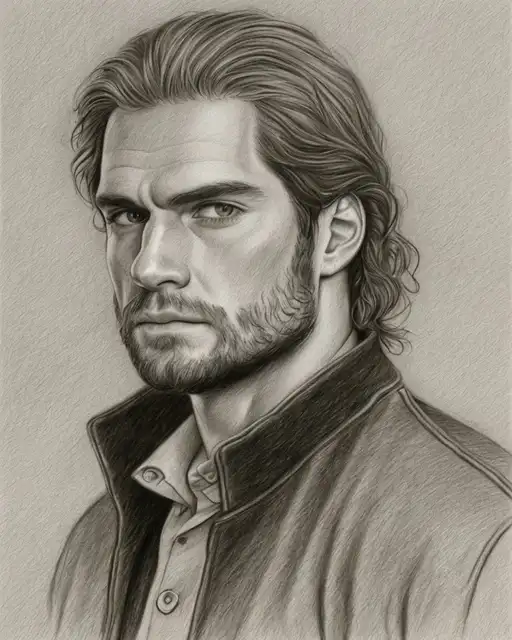
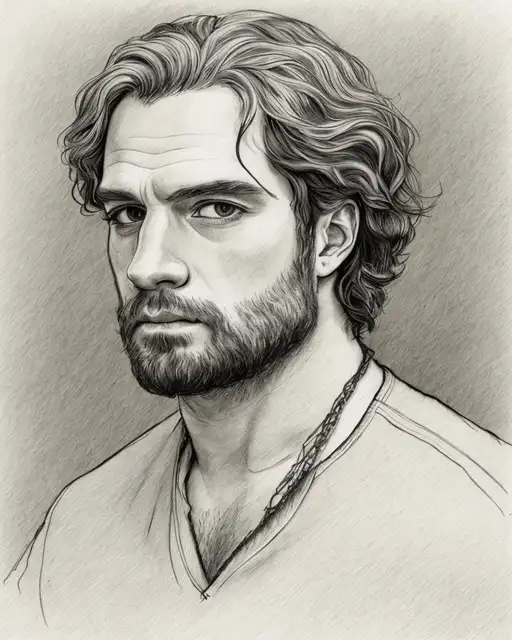
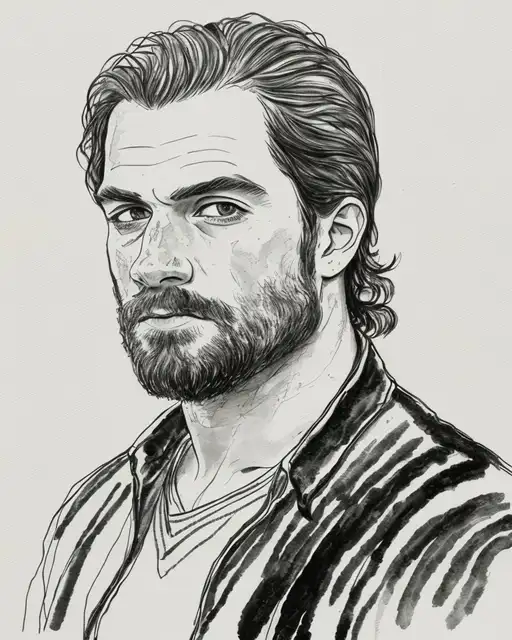
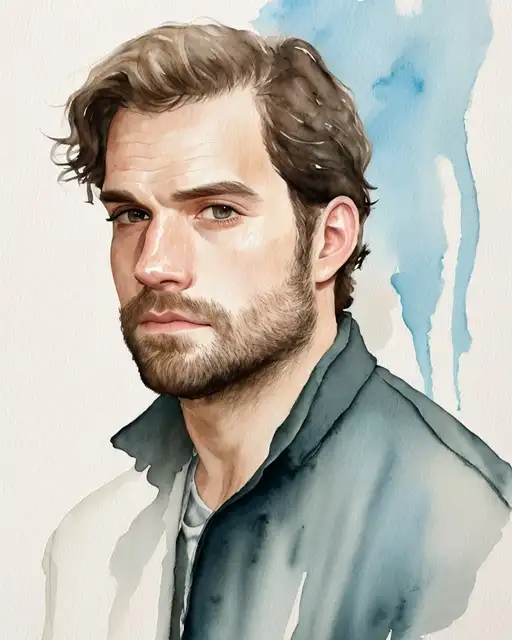
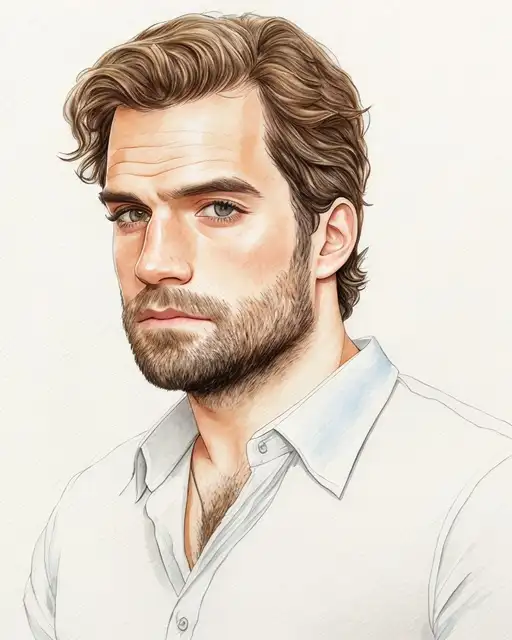
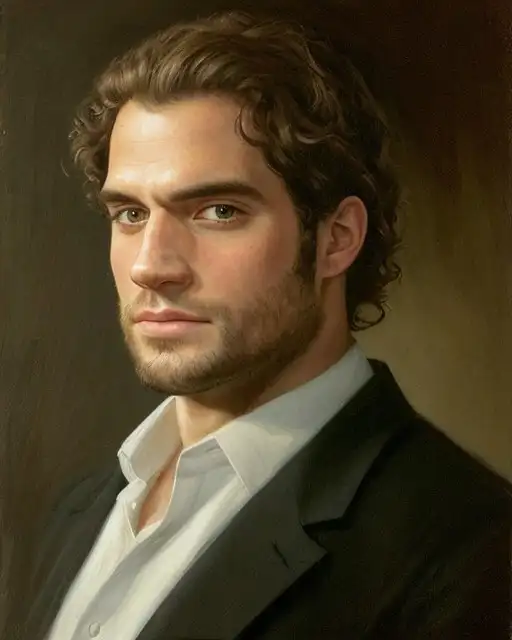
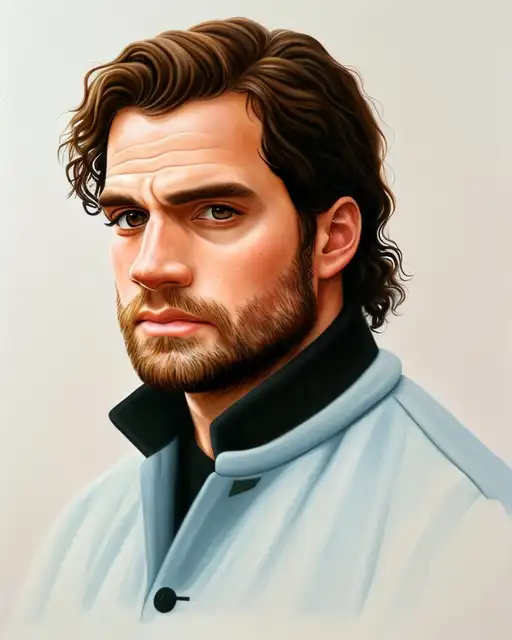
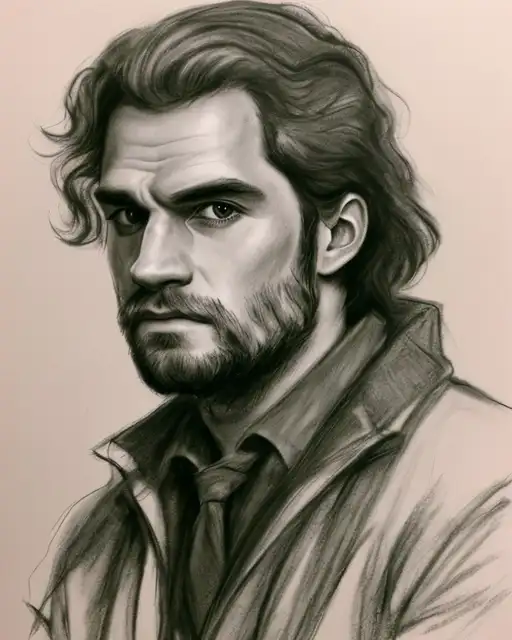
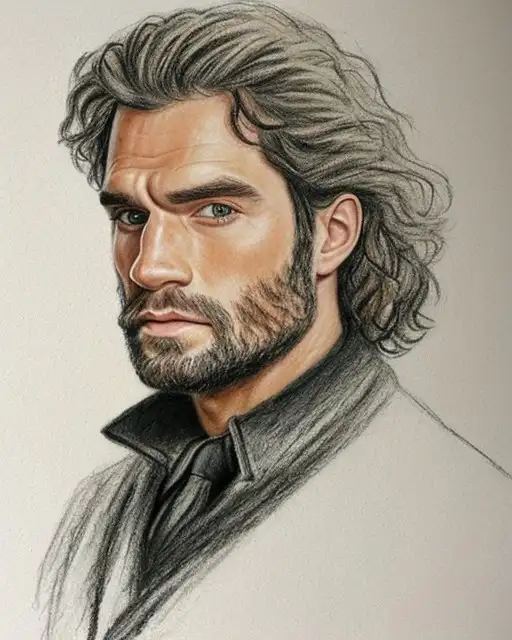
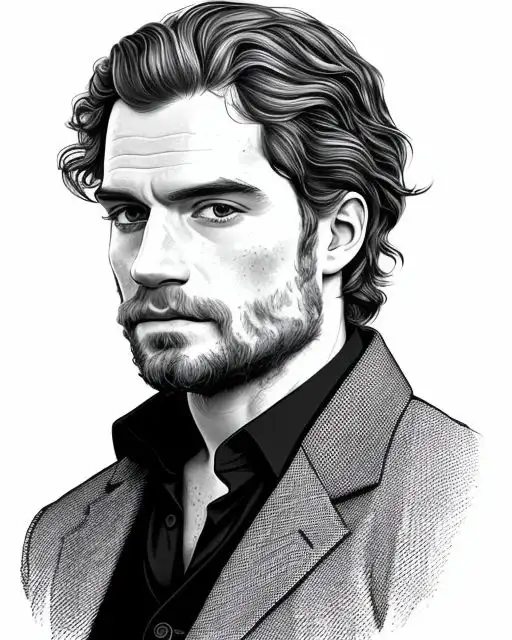
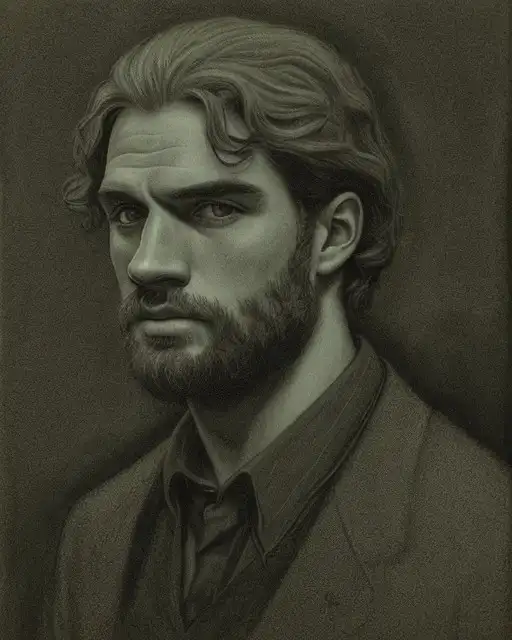

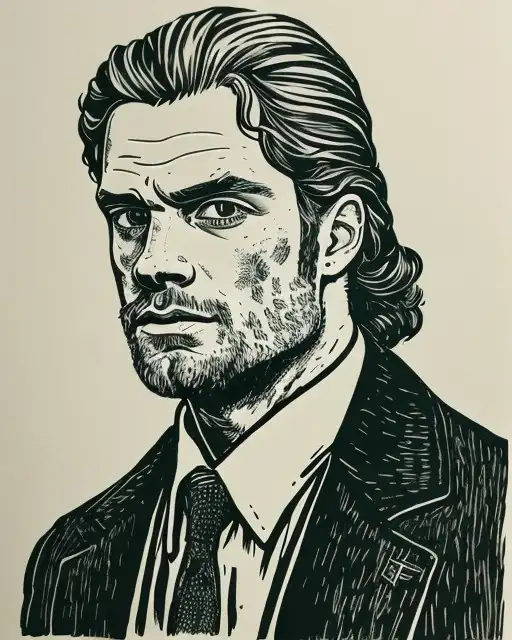
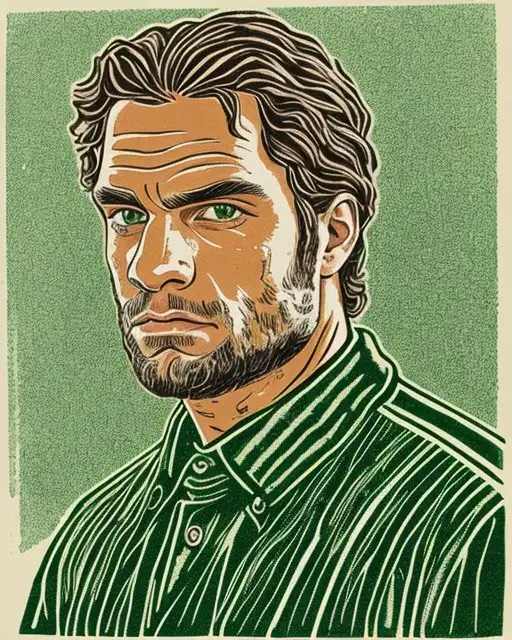
绘画手法展示
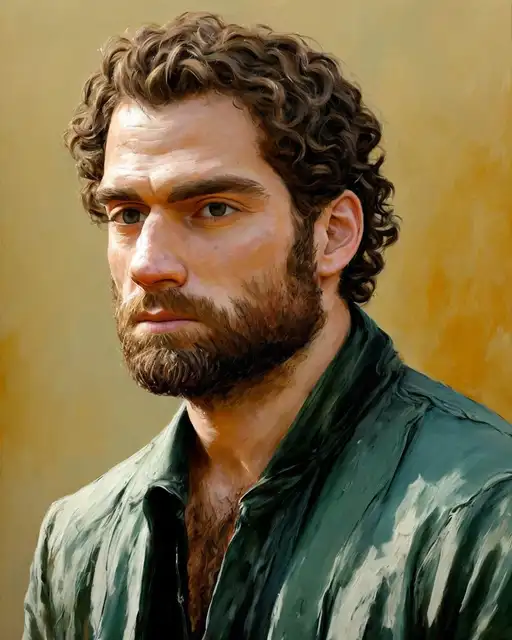
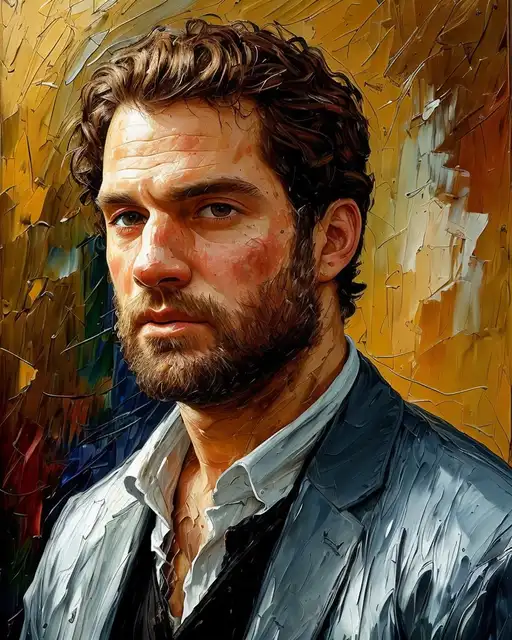
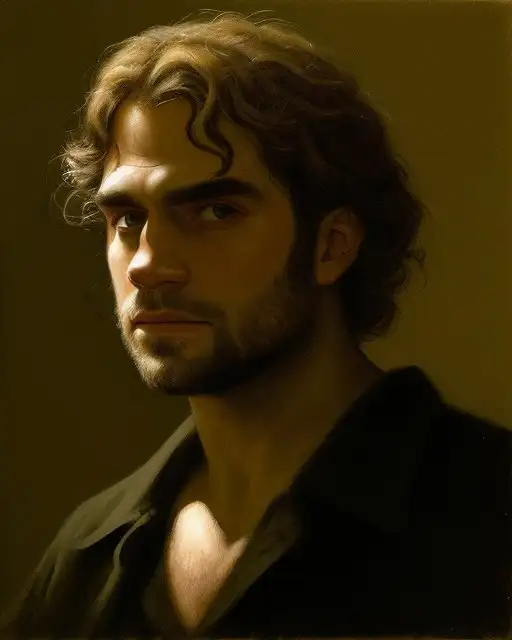
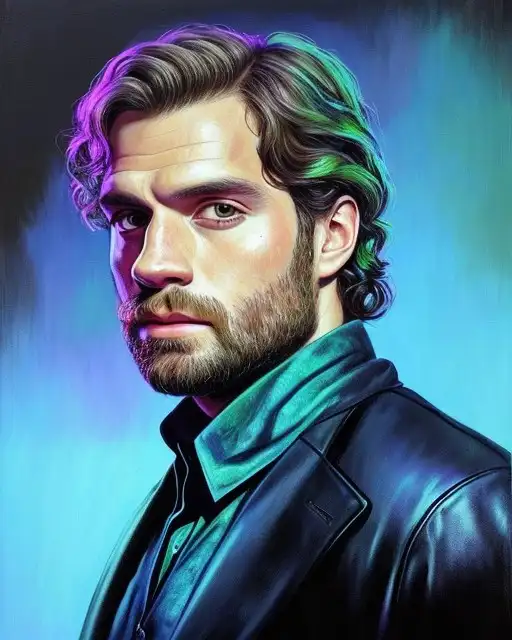
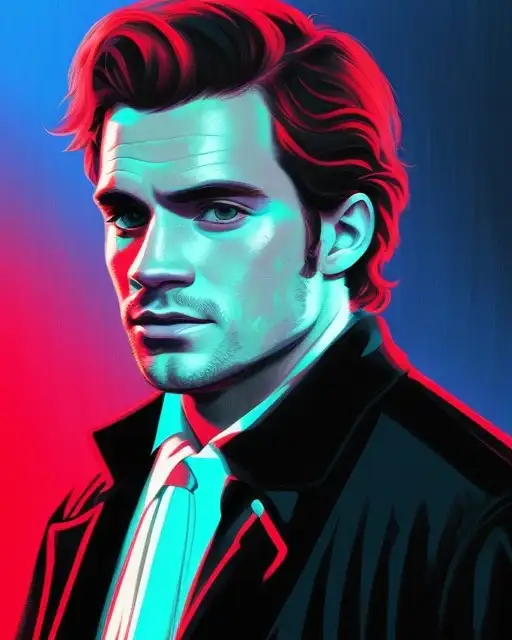
数码及其他


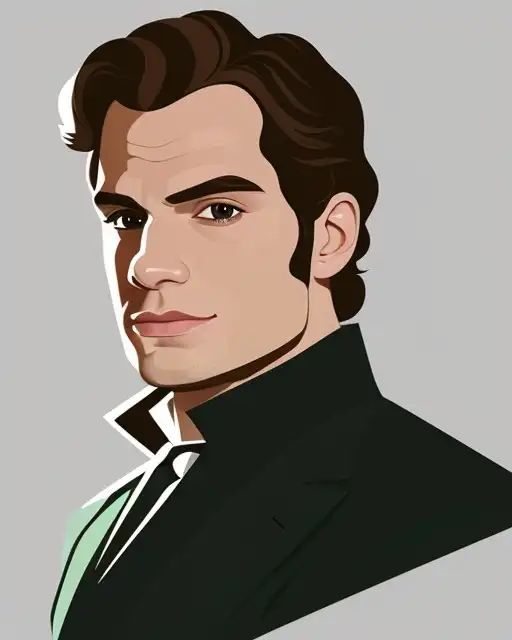




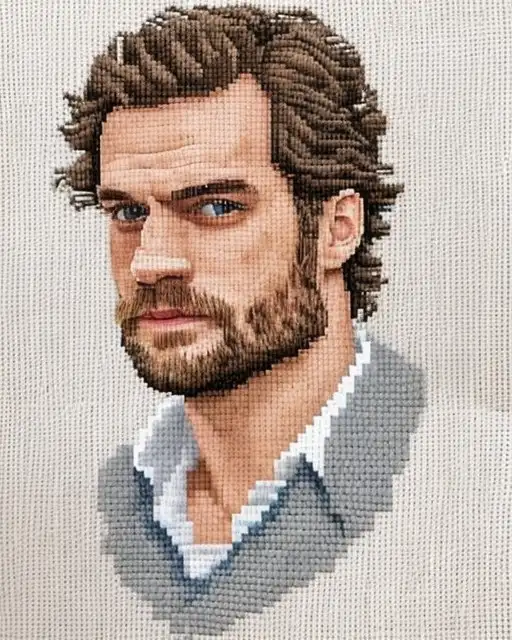
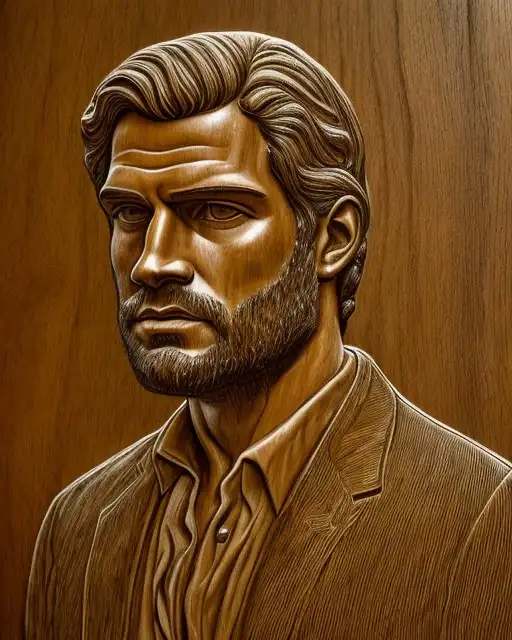
图像尺寸
Stable Diffusion1.5版本是基于512X512尺寸的图像训练的,2.1基于768x768, XL是基于1024x1024。 我们在设置长宽尺寸的时候如果是 128的倍数,效果可能会更好一些。不过其他数值也是可以的。
1282563845126407688961024
Some of the common ratios in SD dimensions:
| Square | 1:1 | 512 × 512 |
| Photo | 2:3 | 512 × 768 |
| Photo | 3:4 | 512 × 683 |
| Social Media | 4:5 | 512 × 640 |
| Standard Monitor | 16:9 | 910 × 512 |
| Monitor | 16:10 | 819 × 512 |
| UltraWide Monitor | 21:9 | 1195 × 512 |
艺术史-西方绘画的几个阶段和代表画家
-
文艺复兴 Renaissance (14th-16th Centuries)
- Famous Artists: Leonardo da Vinci, Michelangelo Buonarroti, Raffaello Sanzio da Urbino, Sandro Botticelli
- Medium: Oil on wood or canvas
-
Mannerism (16th Century)
- Famous Artists: Michelangelo Merisi da Caravaggio, El Greco, Benvenuto Cellini, Jacopo da Pontormo, Parmigianino, Bronzino
- Medium: Oil on canvas, sculpture, and architecture
-
巴洛克 Baroque (17th Century)
- Famous Artists: Michelangelo Merisi da Caravaggio, Gian Lorenzo Bernini, Rembrandt van Rijn, Peter Paul Rubens
- Medium: Oil on canvas
-
洛可可 Rococo (18th Century)
- Famous Artists: Jean-Antoine Watteau, François Boucher, Jean-Honoré Fragonard
- Medium: Oil on canvas
-
新古典主义 Neoclassicism (18th-19th Centuries)
- Famous Artists: Jacques-Louis David, Jean-Auguste-Dominique Ingres, Antonio Canova
- Medium: Oil on canvas
-
浪漫主义 Romanticism (late 18th-19th Centuries)
- Famous Artists: Joseph Mallord William Turner, Francisco de Goya y Lucientes, Eugène Delacroix, Caspar David Friedrich
- Medium: Oil on canvas
-
现实主义 Realism (mid-19th Century)
- Famous Artists: Gustave Courbet, Honoré Daumier, Jean-François Millet
- Medium: Oil on canvas
-
印象派 Impressionism (late 19th Century)
- Famous Artists: Claude Monet, Pierre-Auguste Renoir, Edgar Degas, Mary Cassatt
- Medium: Oil on canvas
-
象征主义 Symbolism (late 19th to early 20th Century)
- Famous Artists: Gustave Moreau, Edvard Munch, Odilon Redon, Pierre Puvis de Chavannes, Fernand Khnopff, Franz von Stuck
- Medium: Oil on canvas, drawing, and printmaking
-
Expressionism (early 20th Century)
- Famous Artists: Edvard Munch, Wassily Kandinsky, Ernst Ludwig Kirchner
- Medium: Oil on canvas or woodcuts
-
立体主义 Cubism (early 20th Century)
- Famous Artists: Pablo Picasso, Georges Braque, Juan Gris
- Medium: Oil on canvas or collage
-
未来主义 Futurism (1909-1916)
- Famous Artists: Umberto Boccioni, Giacomo Balla, Gino Severini
- Medium: Oil on canvas or mixed media
-
Dada (1916-1924)
- Famous Artists: Marcel Duchamp, Man Ray, Hannah Höch, Jean Arp, Francis Picabia, Kurt Schwitters
- Medium: Collage, assemblage, and performance
-
包豪斯 Bauhaus (1919-1933)
- Famous Artists: Walter Gropius, Ludwig Mies van der Rohe, Wassily Kandinsky, Paul Klee, Josef Albers
- Medium: Architecture, furniture, and graphic design
-
Surrealism (1920s-30s)
- Famous Artists: Salvador Dalí, René Magritte, Max Ernst
- Medium: Oil on canvas or mixed media
-
Abstract Expressionism (1940s-50s)
- Famous Artists: Jackson Pollock, Mark Rothko, Willem de Kooning
- Medium: Oil on canvas or mixed media
-
波普艺术 Pop Art (1950s-60s)
- Famous Artists: Andy Warhol, Roy Lichtenstein, Richard Hamilton
- Medium: Acrylic or oil on canvas or mixed media
-
极简主义 Minimalism (1960s-70s)
- Famous Artists: Donald Judd, Dan Flavin, Sol LeWitt
- Medium: Acrylic or oil on canvas or mixed media
-
后现代主义 Postmodernism (1970s-90s)
- Famous Artists: Cindy Sherman, Jeff Koons, Barbara Kruger
- Medium: A wide range of media, including painting, sculpture, installation, and performance art